Home Features How It Works About FAQ Buy a coffee ☕ Get the App

Take control of
your money.

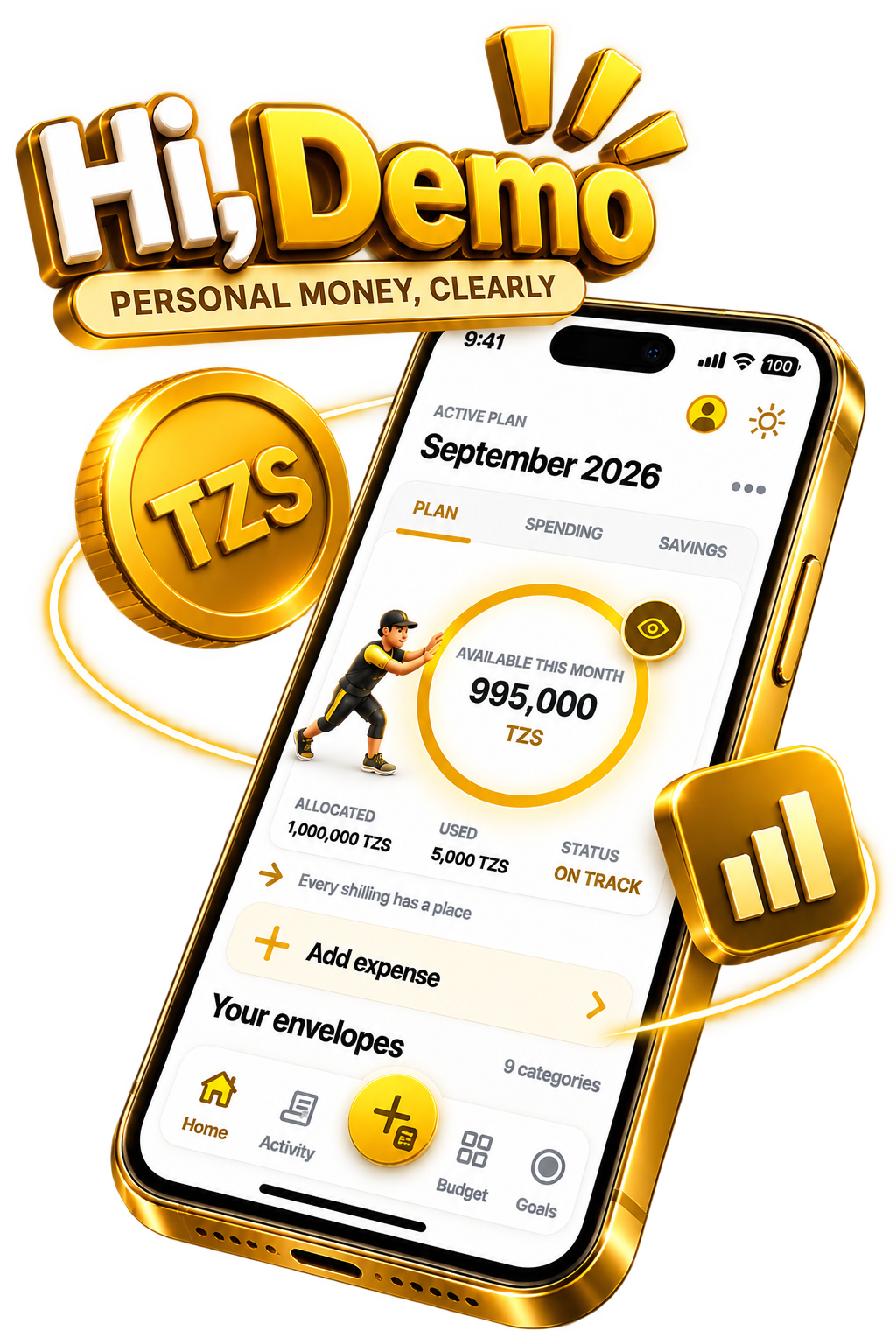
AkiliPesa is a personal budgeting and money management app for Tanzania. Plan your income, track your spending, and reach your financial goals.

Plan your income. Track your spending. Build your future.

Android app version 1.0.4 · 59 MB

On iPhone? Add AkiliPesa to your Home Screen, freeHow to install › Safe to install: checked by Google Play ProtectHow to install ›
Add to Home Screen
Android: Download the APK or install the web app when prompted iOS: Tap Share > More > Add to Home Screen
Android · until AkiliPesa is on the Play Store

Installing on Android is safe

AkiliPesa is not on the Play Store yet, so you install it from the APK file. Android checks it with Google Play Protect before it installs.

  1. Download the APKTap "Download APK for Android" and open the file when it finishes.
  2. Allow the installIf your phone asks, allow installing apps from your browser or Files app. This is only for this install.
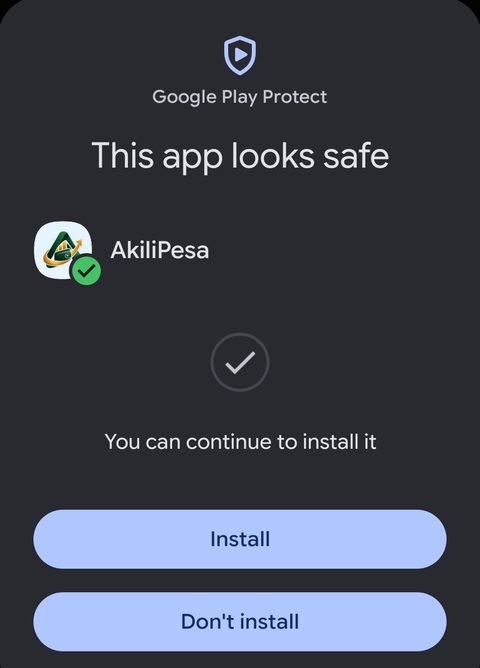
  3. Let Play Protect scan itIf Google Play Protect asks to scan the app, tap Scan. It will say "This app looks safe". Tap Install.
Google Play Protect: This app looks safe. AkiliPesa. You can continue to install it.
Google Play Protect checked AkiliPesa: no harmful behaviour found.
iPhone and iPad · free, no App Store needed

Install AkiliPesa on iPhone

AkiliPesa works on iPhone as a web app. Add it to your Home Screen once and it opens full screen like any other app, even offline.

  1. Open AkiliPesa in SafariTap "Open AkiliPesa" below. It opens app.akilipesa.co.tz.
  2. Tap Share The square with an arrow, at the bottom of Safari (top right on iPad).
  3. Tap "Add to Home Screen" Scroll down the list if you don't see it.
  4. Tap "Add"AkiliPesa appears on your Home Screen and opens like an app.
Open AkiliPesa

Use Safari. On iOS 16.4 or newer, Chrome works too (Share is in the address bar).

iPhone and iPad · free, no App Store needed

Install AkiliPesa on iPhone

  1. Open AkiliPesa in SafariTap "Open AkiliPesa" below. It opens app.akilipesa.co.tz.
  2. Tap Share The square with an arrow, at the bottom of Safari (top right on iPad).
  3. Tap "Add to Home Screen" Scroll down the list if you don't see it.
  4. Tap "Add"AkiliPesa appears on your Home Screen and opens like an app.
Open AkiliPesa

Use Safari. On iOS 16.4 or newer, Chrome works too (Share is in the address bar).

Your download has started

Next: install AkiliPesa

  1. Open the fileWhen the download finishes, tap AkiliPesa.apk in your notifications or Downloads.
  2. Allow the installIf your phone asks, allow installing apps from your browser or Files app. This is only for this install.
  3. Let Play Protect scan itIf Google Play Protect asks to scan the app, tap Scan. It will say "This app looks safe". Tap Install.
Google Play Protect: This app looks safe

Where does your money go?

You work hard for your money. But without a plan, it disappears before the month ends.

✕Spending without a plan and running out before month end.
✕Losing track of small expenses that add up over time.
✕Setting goals but never following through.

AkiliPesa helps you plan before you spend.

How AkiliPesa works

From planning your income to reaching your goals.

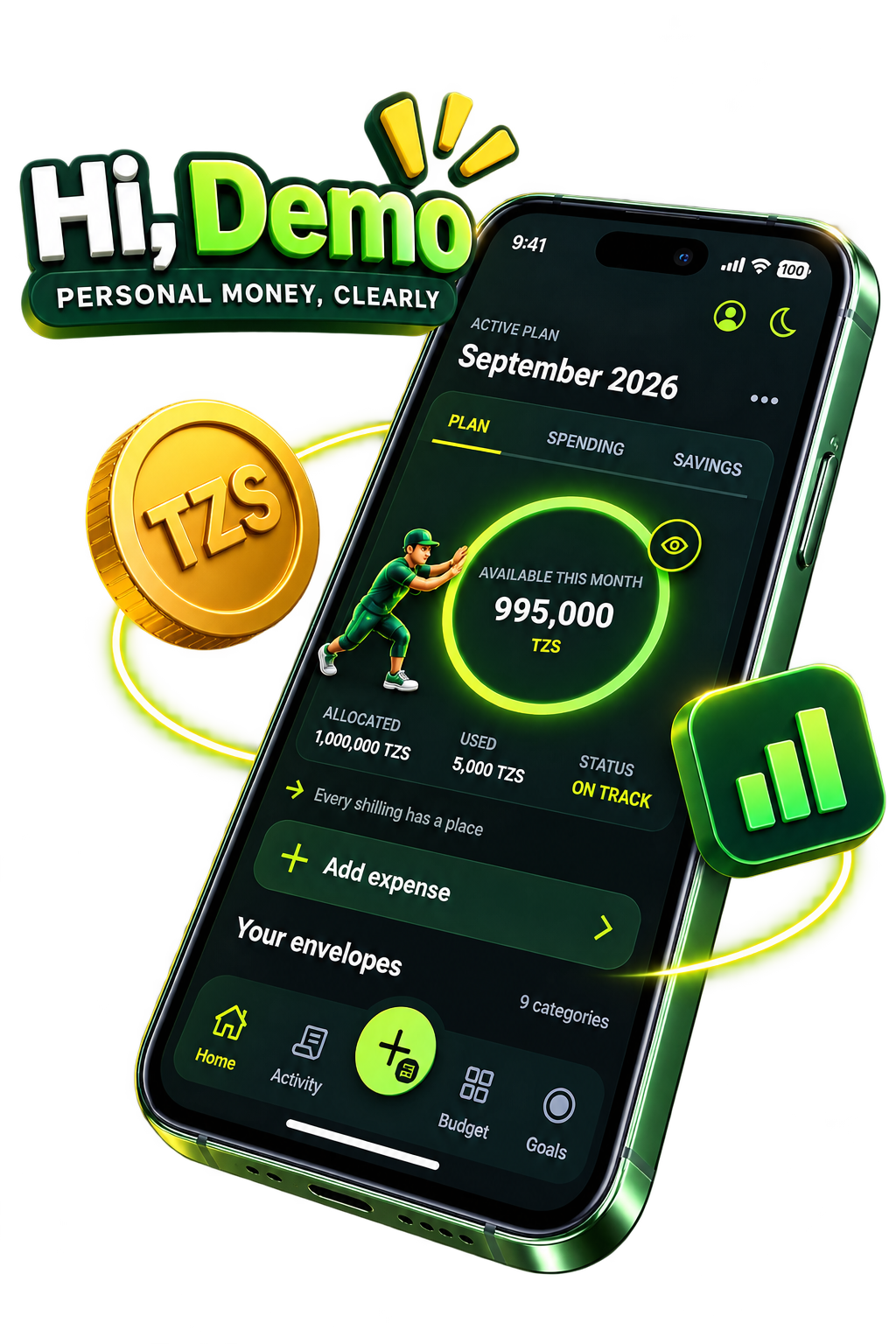
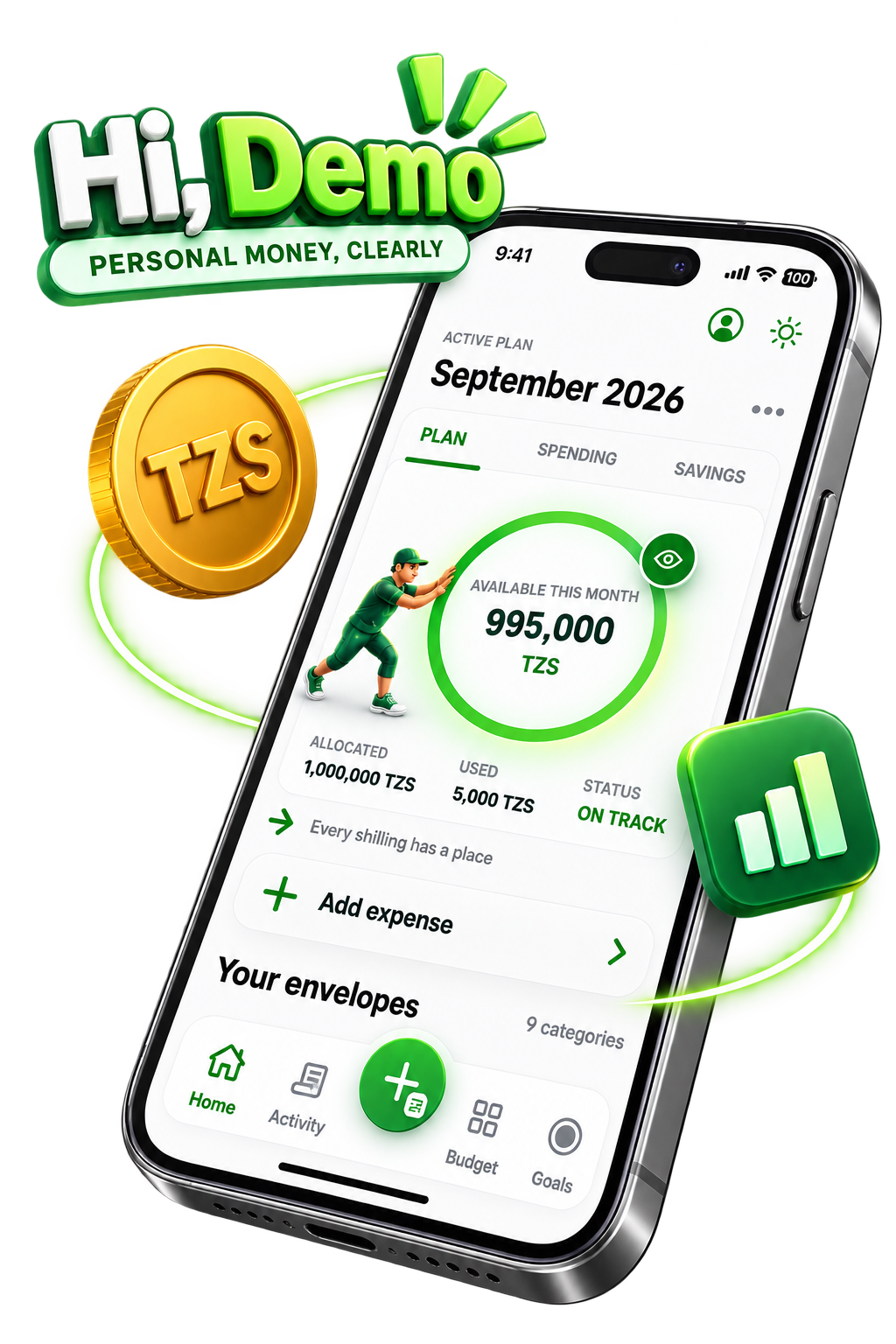
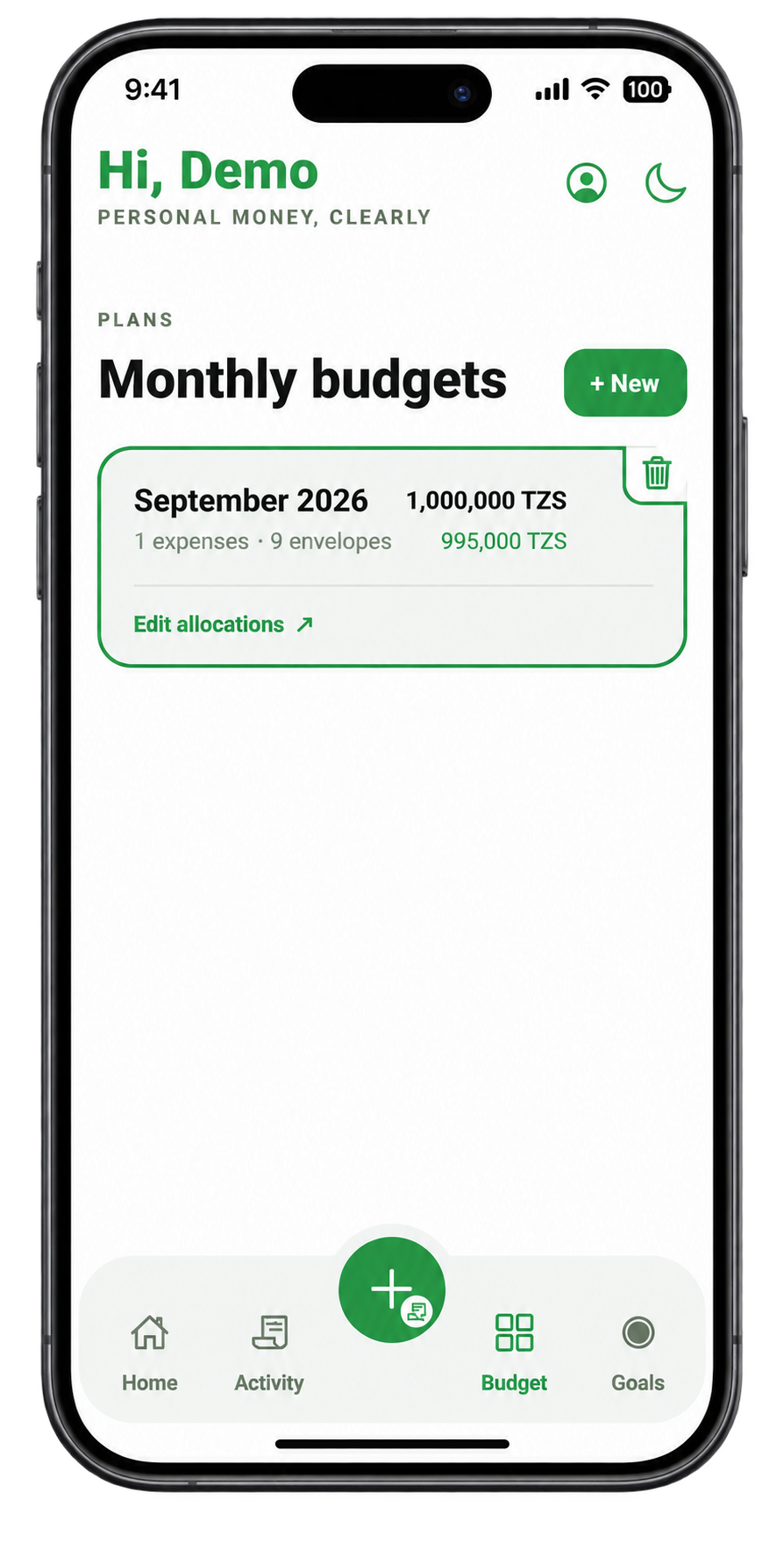
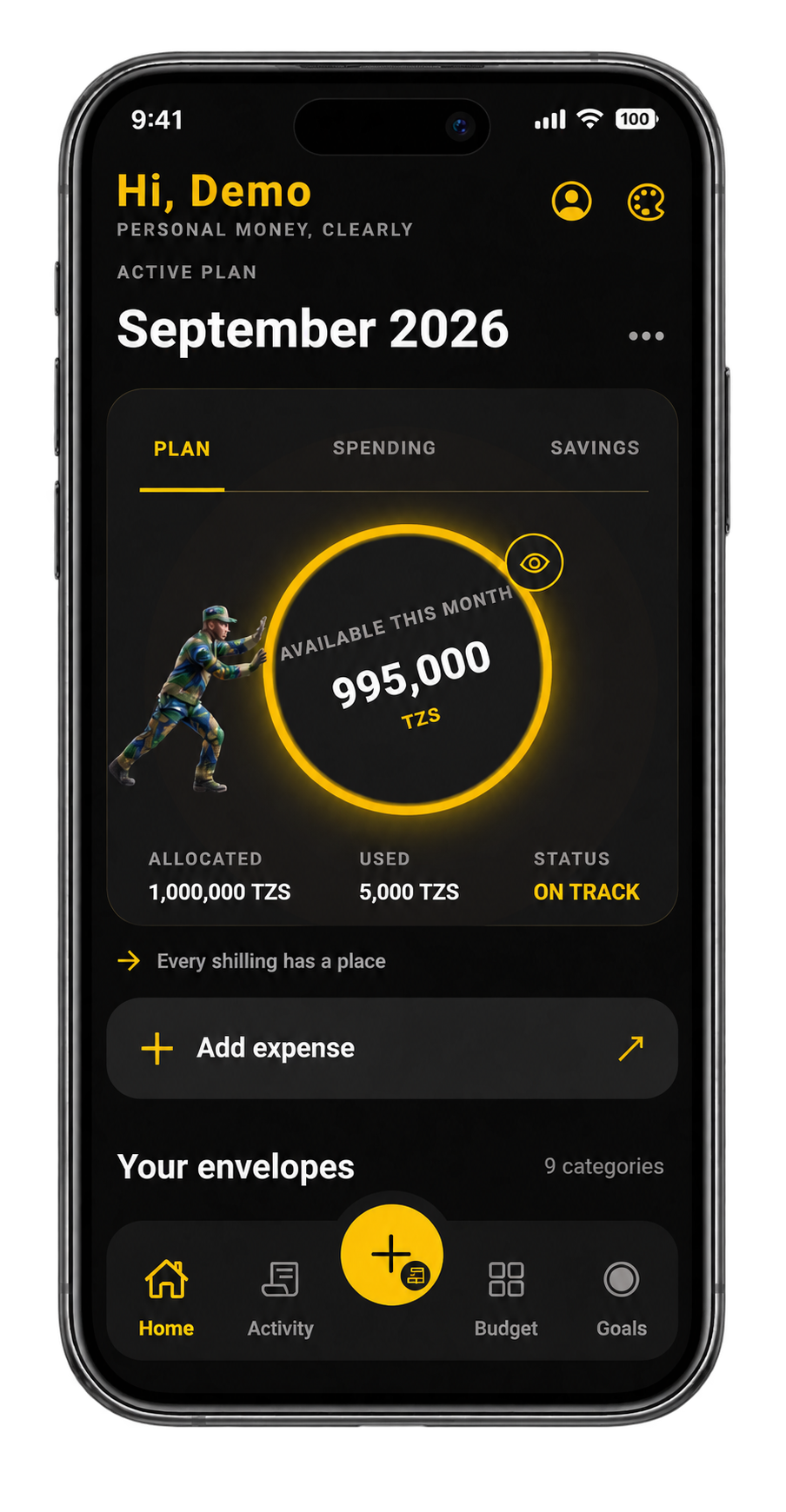
AkiliPesa monthly budget planner
01
Step 01

Plan Your Money

Start with your monthly income and create a plan before you spend.

Step 02

Give Every Shilling a Place

Divide your money into envelopes for food, transport, bills, savings and more.

02
AkiliPesa spending envelopes dashboard
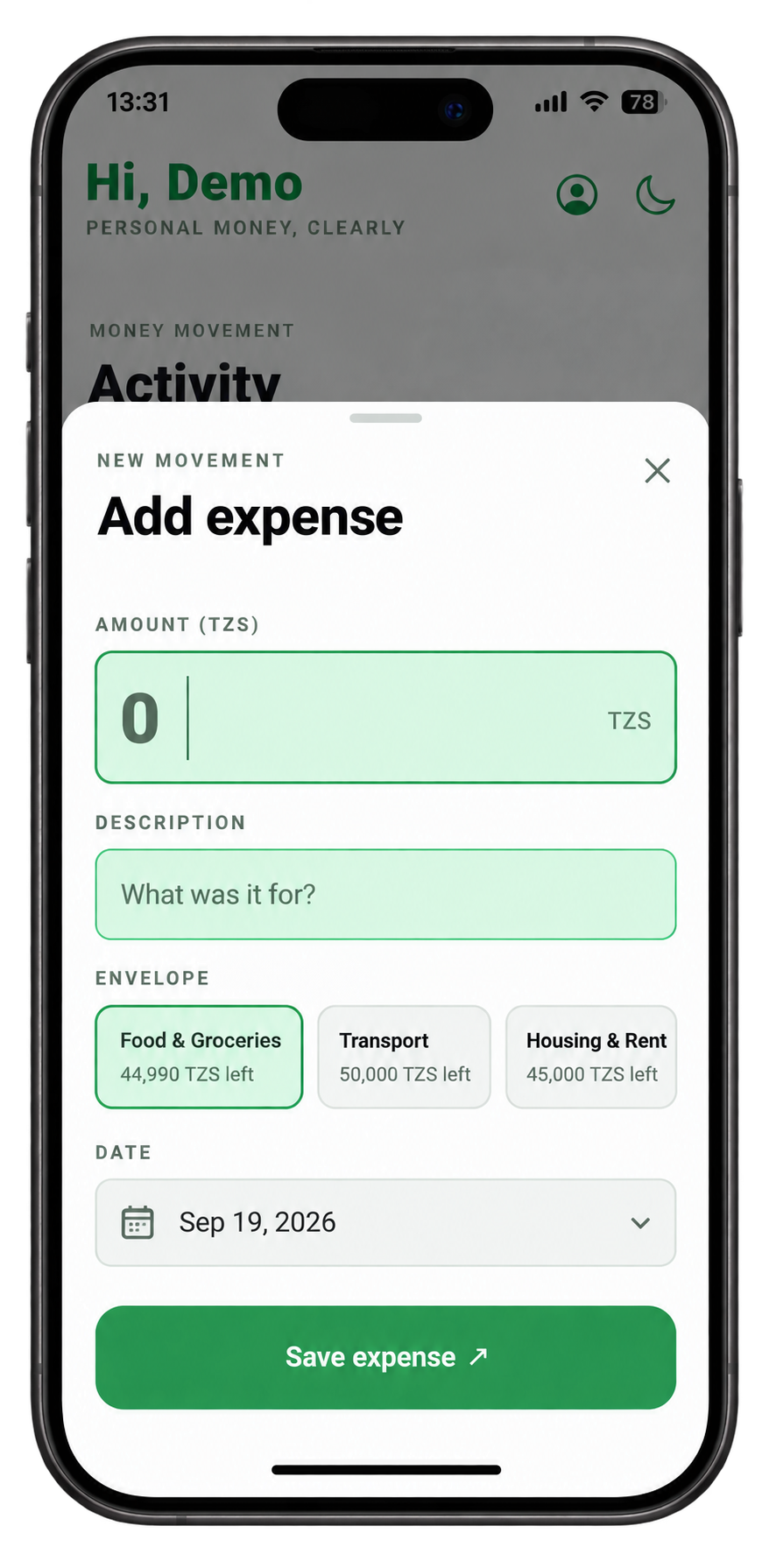
AkiliPesa expense tracking screen
03
Step 03

Track Your Spending

Record expenses and instantly see what remains.

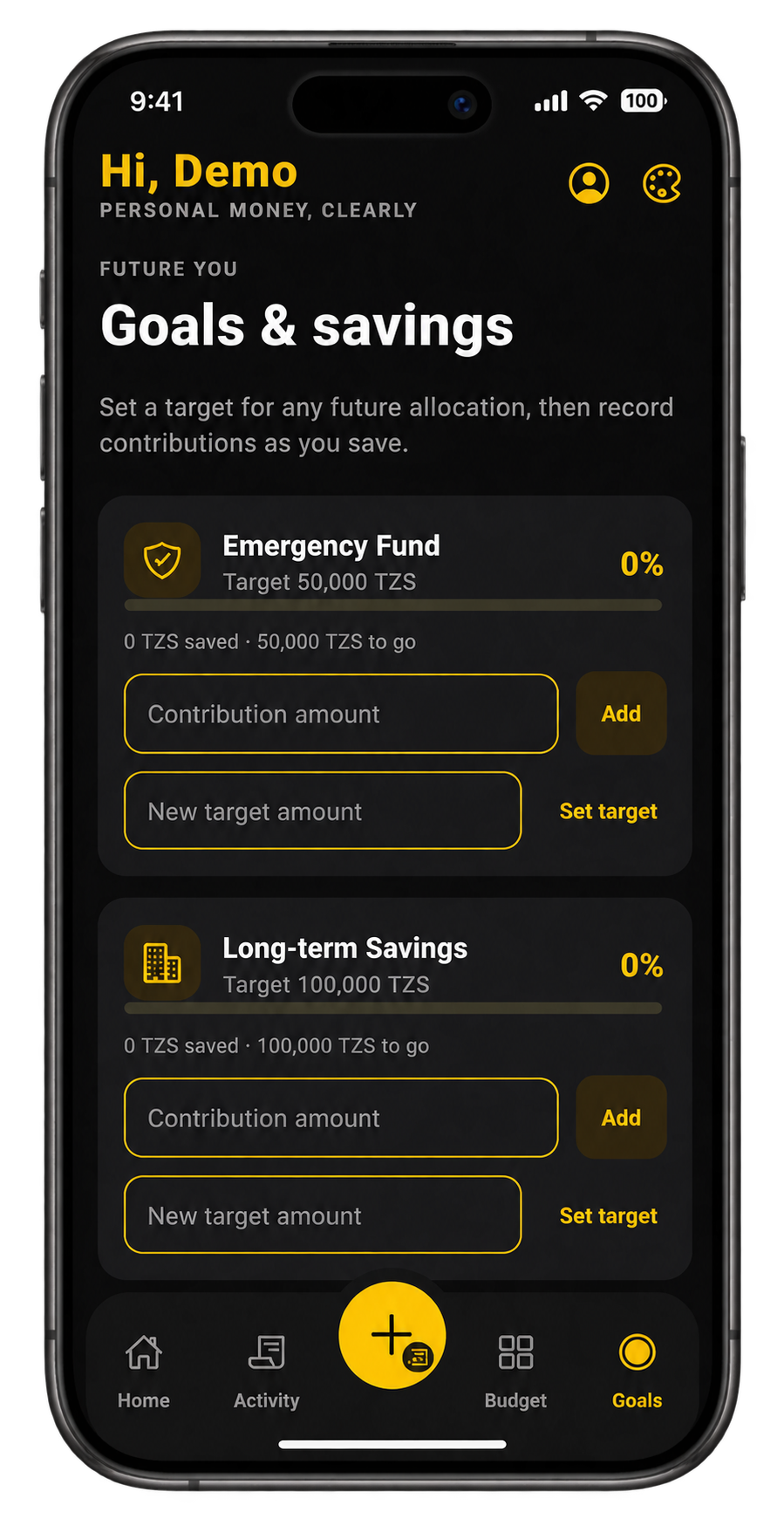
Step 04

Build Your Savings

Set savings targets and contribute toward them from your plan.

04
AkiliPesa savings and goals screen
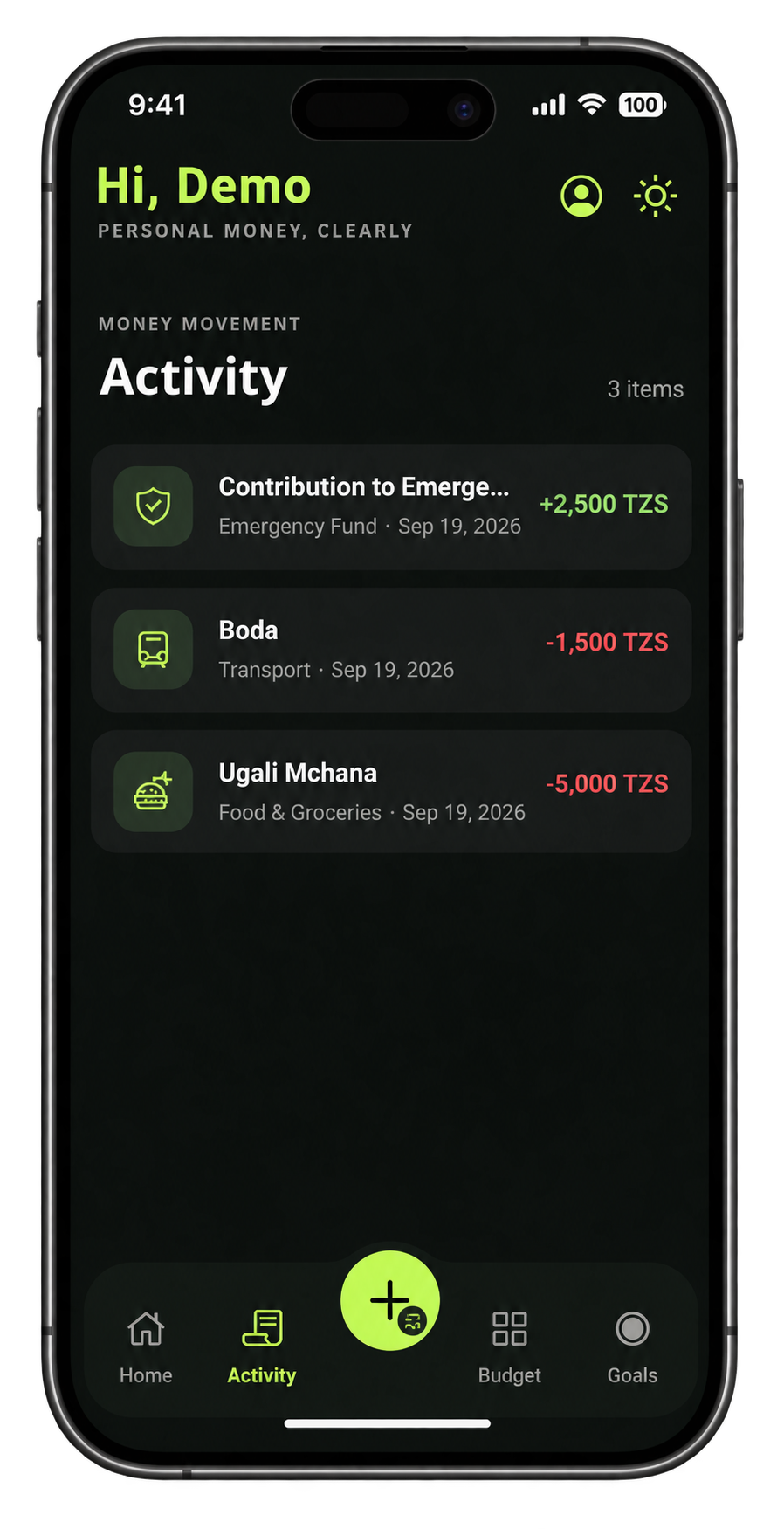
AkiliPesa financial goals tracking
05
Step 05

Reach Your Goals

Turn the things you want into measurable financial goals.

Everything you need. Nothing unnecessary.

Monthly Plan

Plan before you spend.

Envelopes

Give every shilling a purpose.

Expenses

Know where your money goes.

Savings

Build your financial cushion.

Goals

Turn plans into progress.

Overview

See your money clearly.

Simple money management, without the complexity.

PLAN

Know where your money should go.

TRACK

Know where it actually went.

GROW

Build toward what matters.

Your money. Your data.

Local Storage

Your data stays on your device.

No Bank Connection

No accounts linked, no data shared.

Privacy First

Built to keep your information private.

Ready to give every shilling a purpose?

Start managing your money today.

Android app version 1.0.4 · 59 MB

Frequently asked questions

What is AkiliPesa?

AkiliPesa is a simple money management app that helps you plan your income, track your spending, and reach your financial goals. It works entirely on your phone without needing a bank connection.

Is AkiliPesa free?

Yes, AkiliPesa is completely free to use. There are no hidden fees, subscriptions, or in-app purchases.

Does AkiliPesa connect to my bank?

No. AkiliPesa does not connect to any bank accounts or financial institutions. You enter your income and expenses manually, giving you full control over your data.

Can I use AkiliPesa on iPhone?

AkiliPesa is currently available as a web app at app.akilipesa.co.tz, which works on any device with a browser including iPhone. An Android APK is also available for direct download.

How do I install the Android version?

Tap the 'Download APK for Android' button on this page to download the APK file. You may need to allow installations from unknown sources in your phone settings before installing.

Where is my budgeting data stored?

All your data is stored locally on your device. Nothing is sent to any server, which means your financial information stays private and under your control.

How can I report a bug?

If you find a bug or have a suggestion, please reach out to us through the contact details in the footer or email us directly. We appreciate your feedback.